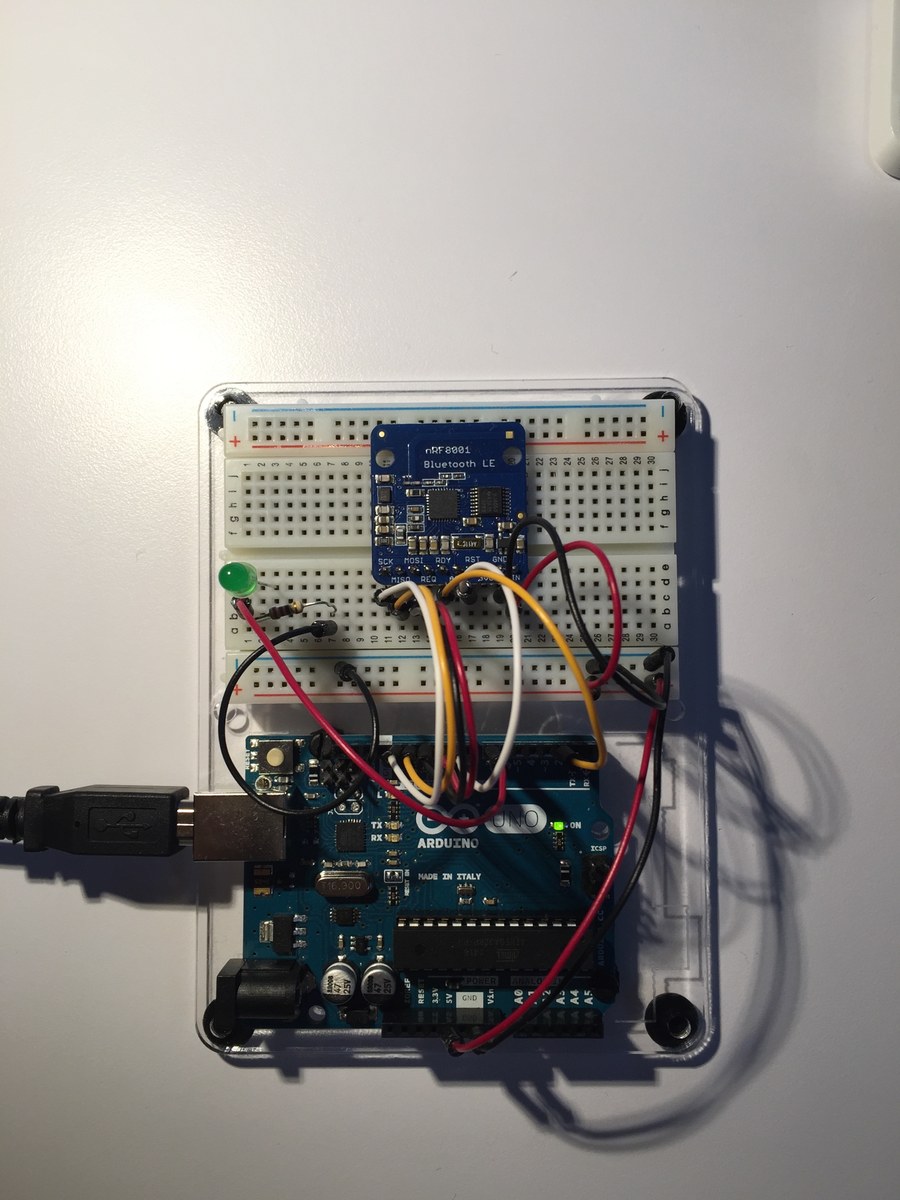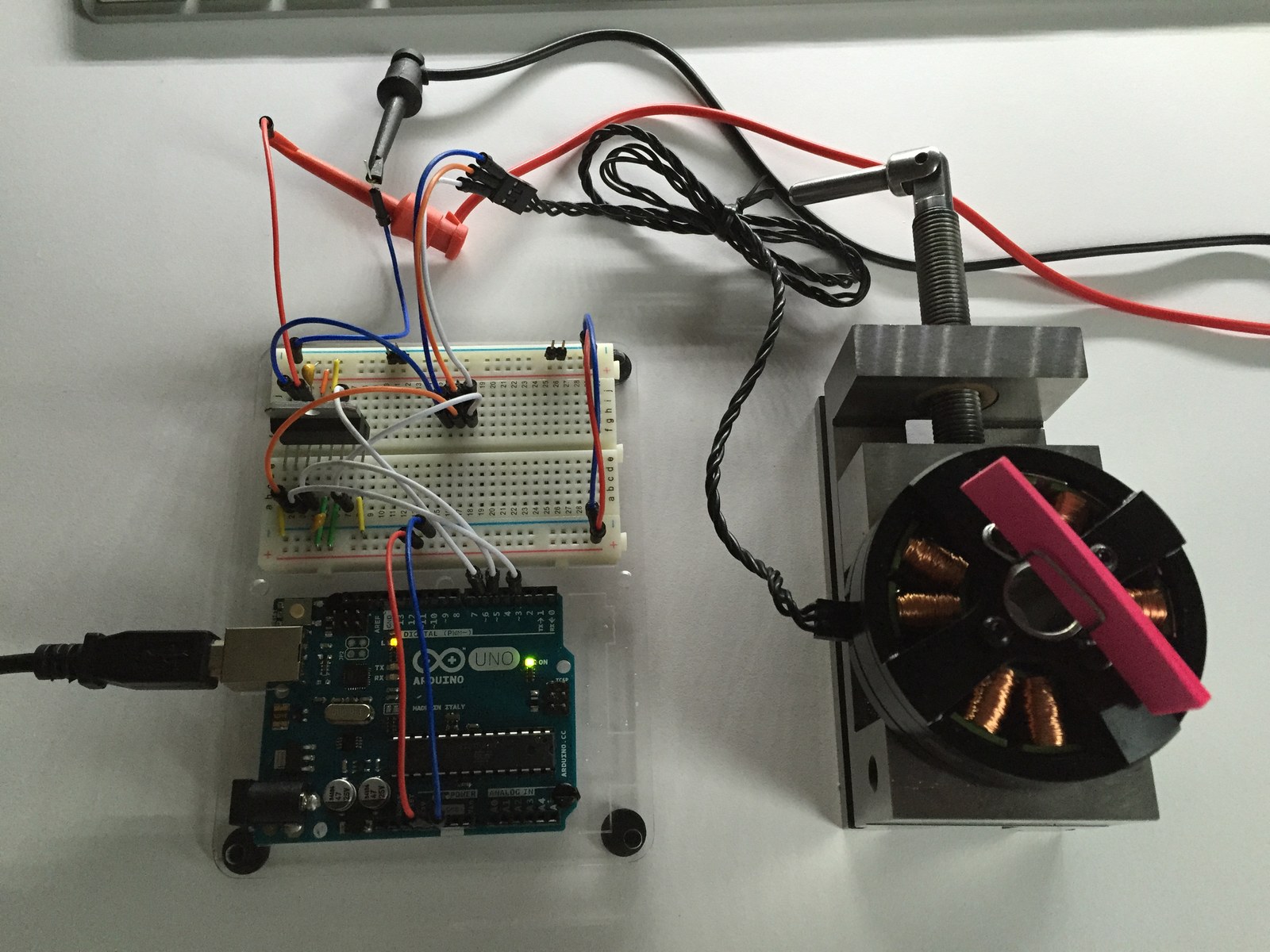
This gimbal experiment combines MPU6050 orientation data with three-phase PWM waveforms for brushless motors. The folder preserves both a sensor-driven sketch and a simpler motor test, along with photographs and circuit notes from the bench.
How the project works
Gimbal_Servo initializes the MPU6050 digital motion processor, waits for a serial character and reads orientation packets from its FIFO. While waiting for new packets, the loop services the pitch and roll motor waveforms. A 96-entry sine table supplies three phase-offset PWM values.
The Gimbal_ServoTest variant has a different active path: its loop advances the roll waveform as an open-loop motor test. The sensor-processing routine named loop2 is not the Arduino entry point. Keeping these two sketches separate helps explain what the motor demonstration can and cannot establish.
Hardware and configuration
| Item | In the supplied code |
|---|---|
| Pitch PWM outputs | D9, D10, D11 |
| Roll PWM outputs | D3, D5, D6 |
| Orientation sensor | MPU6050 over I2C |
| Serial monitor | 115200 baud |
Working with the supplied code
Use a suitable external motor power stage; the Arduino pins provide control signals. Read the circuit notes alongside the sketch and verify the actual driver before applying power.
The supplied gyro and accelerometer offsets belong to the original sensor setup. Recalibrate for another unit and inspect FIFO overflow messages before attempting feedback control. The archive is a control experiment, without evidence of a tuned or validated stabilizer across different loads.
Video demonstration
Source code and project files
Browse this project on GitHub. Use the project sketches with the archived I2Cdev and MPU6050 libraries below. The examples provide separate starting points for sensor output and visualization.
- Gimbal servo sketch
- Open-loop motor test sketch
- I2Cdev library and metadata
- MPU6050 library and motion-processing headers
- MPU6050 DMP example
- Processing visualization example
Download the used libraries (ZIP, 14.7 MB). This collection preserves the archived library versions; Wi-Fi settings and API credentials use placeholders for you to configure locally.
These notes describe the archived source and project media. The sketches have not been rebuilt or tested on hardware for this article.