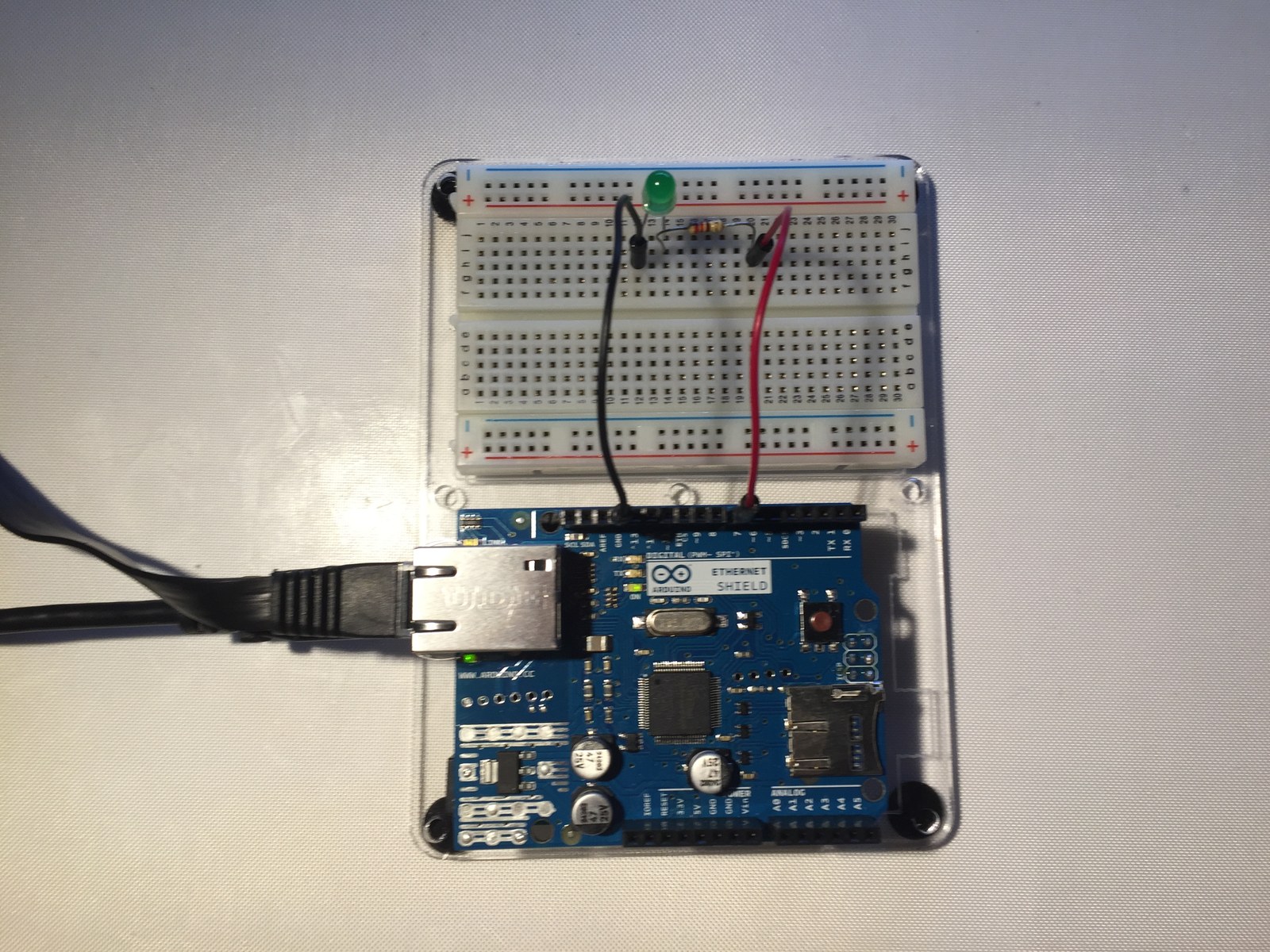
An Ethernet-connected Arduino makes a simple browser-controlled output. This project documents the board, the LED states and the aREST requests used to configure a pin and switch it on or off.
How the project works
The sketch creates an Ethernet HTTP server on port 80 and passes incoming clients to aREST. It exposes fixed temperature and humidity values for demonstration and an LED-control function on digital pin 7.
Although the code tries DHCP, it subsequently calls Ethernet.begin again with a static address. The final configuration therefore uses that static address. Set the address and MAC for the network where the board will actually be used rather than assuming the DHCP result remains active.
Hardware and configuration
| Item | In the supplied code |
|---|---|
| Network library | Ethernet with aREST |
| LED output | D7 |
| HTTP service | Port 80 |
| Serial monitor | 9600 baud |
http://<board-ip>/mode/7/o
http://<board-ip>/digital/7/1
http://<board-ip>/digital/7/0
Working with the supplied code
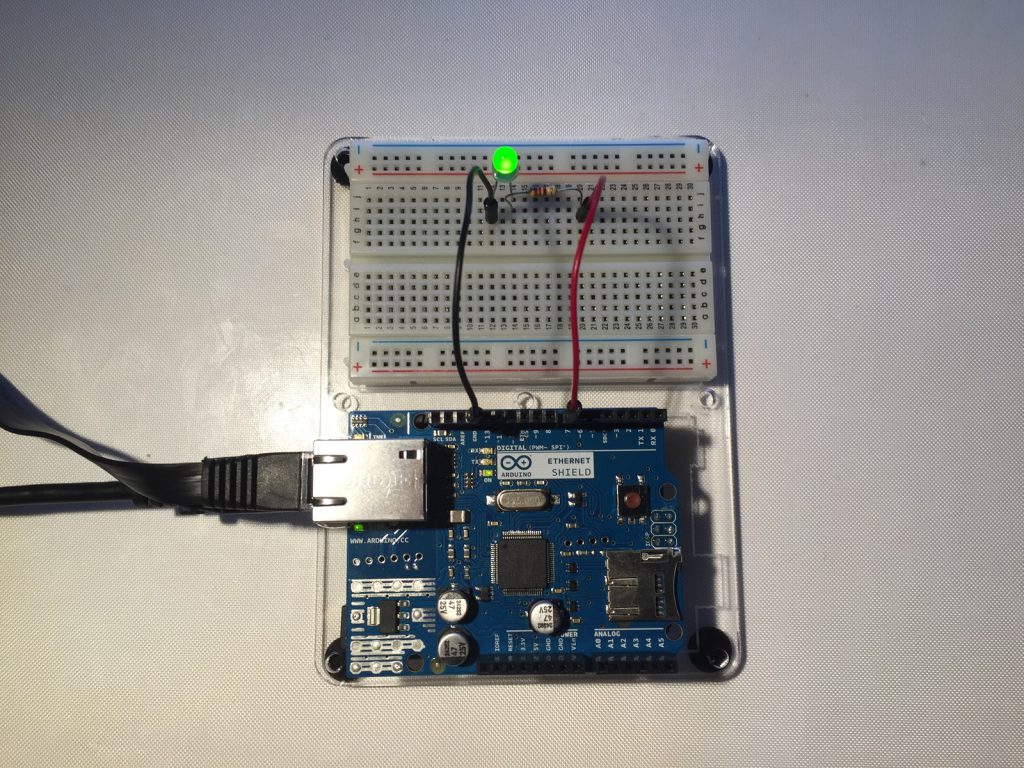
After finding the board’s configured address, request /mode/7/o to make pin 7 an output, then use /digital/7/1 and /digital/7/0 to switch it. The project screenshots illustrate those stages.
The four-second watchdog requires the request-handling loop to keep running. This is a compact local-network demonstration; add connection handling and access control if developing it into a larger application. The displayed temperature and humidity should remain labeled as sample values until actual sensor reads are added.
Video demonstration
Source code and project files
Browse this project on GitHub. The project folder includes the Ethernet sketch and its archived aREST library, documentation, examples and tests.
- Project Ethernet LED-control sketch
- Project aREST library, examples and tests
- aREST setup and API documentation
- aREST Ethernet example sketch
Download the used libraries (ZIP, 14.7 MB). This collection preserves the archived library versions; Wi-Fi settings and API credentials use placeholders for you to configure locally.
These notes describe the archived source and project media. The sketches have not been rebuilt or tested on hardware for this article.