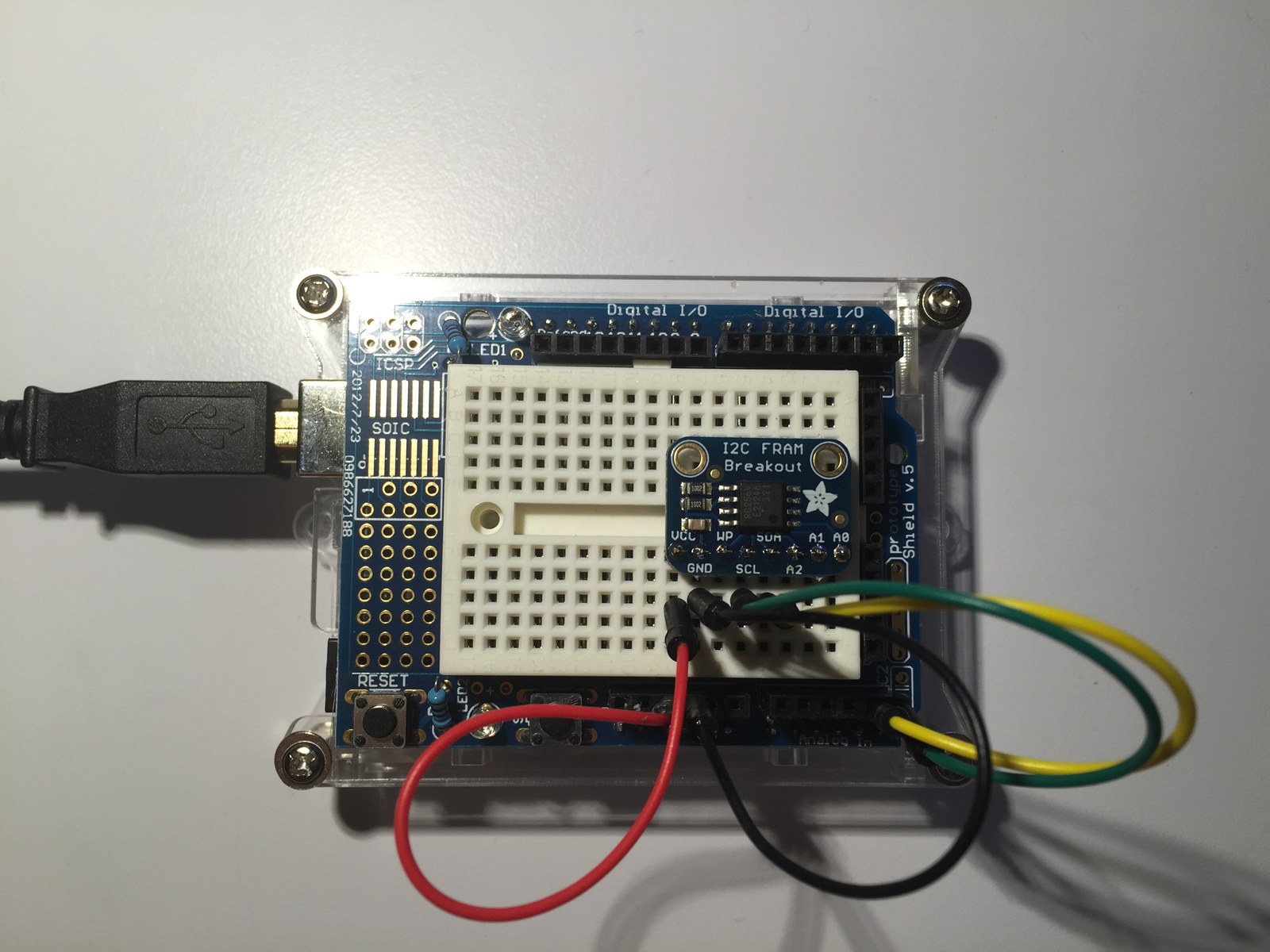
This FRAM experiment demonstrates writing a few bytes of nonvolatile storage and reading them back over I2C. The folder includes two actual FRAM examples and a separate real-time-clock experiment whose filename can otherwise be misleading.
How the project works
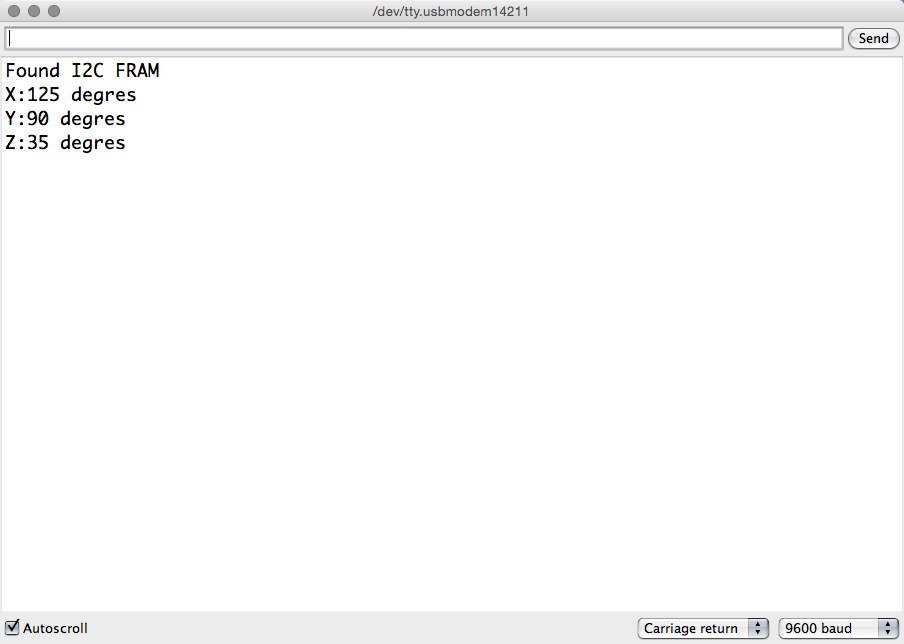
The Adafruit_FRAM_I2C_MB85RC256V sketch writes 125, 90 and 35 to addresses 0x00, 0x32 and 0x64, then prints them as X, Y and Z values. These are stored demonstration values, not angles measured by sensors.
FRAMX_Demo uses two-byte read and write buffers, transfers data from memory address zero and prints the returned I2C error code every five seconds. It provides a second API to compare with the Adafruit byte-oriented read8 and write8 calls.
Hardware and configuration
| Item | In the supplied code |
|---|---|
| Bus on Uno | SDA A4, SCL A5 |
| Adafruit example serial | 9600 baud |
| Test addresses | 0x00, 0x32, 0x64 |
| FRAMX transfer | Two bytes every five seconds |
Working with the supplied code
Check the actual device address: a comment mentions 0x51, while fram.begin() is called without an explicit address. Match the library default or pass the address selected by the board’s address pins.
The file I2CFRAM_Breakout.ino instead includes DS1307.h and implements serial commands for a clock. It also writes a null terminator beyond a two-character array. Use one of the two FRAM-specific sketches for this storage experiment. Each startup of the Adafruit example rewrites its test locations, so change that behavior before using the same locations for persistent application settings.
Source code and project files
Browse this project on GitHub. The files below are useful starting points for the sketches and references discussed in this post.
- Adafruit_FRAM_I2C_MB85RC256V/Adafruit_FRAM_I2C_MB85RC256V.ino
- FRAMX_Demo/FRAMX_Demo.ino
- I2CFRAM_Breakout/I2CFRAM_Breakout.ino
Download the used libraries (ZIP, 14.7 MB).
These notes describe the archived source and project media. The sketches have not been rebuilt or tested on hardware for this article.