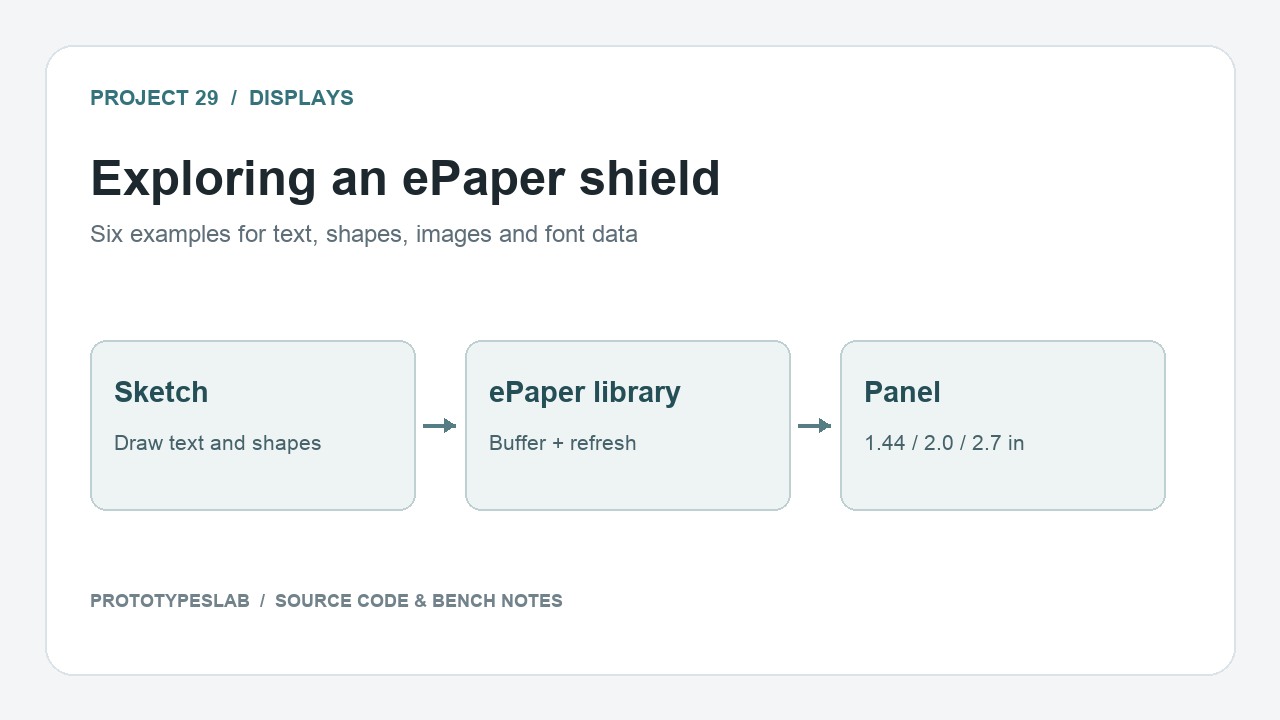
Six examples explore the small ePaper shield: graphics, text, Unicode characters, a flash-stored image, temperature display and the GT20L16 font chip. Together they show the difference between building a screen in memory and asking the panel to refresh.
How the project works
The draw example creates rectangles, circles and lines, then calls EPAPER.display. The text example prints a string, an integer and a floating-point value. The image example selects a bitmap from picture.h and sends it with EPAPER.image_flash.
The GT20L16 example reads font matrices and visualizes them in the Serial Monitor. The Unicode example uses the font chip to display larger text and a small set of character codes. These are separate demonstrations, each with its own setup function.
Hardware and configuration
| Item | In the supplied code |
|---|---|
| Dependencies | ePaper, SPI, SD, GT20L16 driver |
| Panel selections | 144, 200 or 270 in SCREEN_SIZE |
| draw / text default | 200, selecting the 2.0-inch panel |
| image / Unicode default | 270, selecting the 2.7-inch panel |
Working with the supplied code
Choose the correct panel size in every sketch you run. The examples’ comments require an SD card for the drawing buffer on smaller ATmega328P/32U4 boards, while describing a different path for larger ATmega1280/2560 boards.
Start with the text example, then add shapes or a bitmap once refreshing works. The temperature example’s author explicitly notes uncertainty about clearing the display with an SD card, so verify that behavior on the selected board. The folder contains examples rather than a complete copy of every required display library.
Source code and project files
Browse this project on GitHub. The files below are useful starting points for the sketches and references discussed in this post.
- draw/draw.ino
- text/text.ino
- image/image.ino
- temperature/temperature.ino
- unicode_text/unicode_text.ino
- GT20L16/GT20L16.ino
Download the used libraries (ZIP, 14.7 MB).
The examples credit loovee / Seeed Studio and Harrison H. Jones; keep their source comments and applicable library licenses.
These notes describe the archived source and project media. The sketches have not been rebuilt or tested on hardware for this article.